

Connect Pi, WorkBuddy, OpenCode and other tools
Choose a compatible provider and distinguish native import, manual setup and Agent recognition.
Check the tool's protocol first
An OpenAI-compatible tool can use local Chat Completions or Responses; an Anthropic-compatible tool can use Messages. A “custom provider” label does not prove every protocol is interchangeable.
Use your current local endpoint, local key and permitted model. See Address rules.
Pi and WorkBuddy
Desktop User Client supports local configuration import for Pi and WorkBuddy. Select the tool, review its target file, model, address and credential changes, then apply.
| Tool | Default configuration reference | Note |
|---|---|---|
| Pi | ~/.pi/agent/models.json; directory can use PI_CODING_AGENT_DIR | Protocol and capacity must match the model catalog |
| WorkBuddy | ~/.codebuddy/models.json | Model access and application login differ |
| OpenCode | Its own custom-provider configuration | The native import list is not every Agent |
Import keeps backups. Avoid concurrent editing. For manual setup, obtain connection values from View configuration and map them to the tool's own fields.
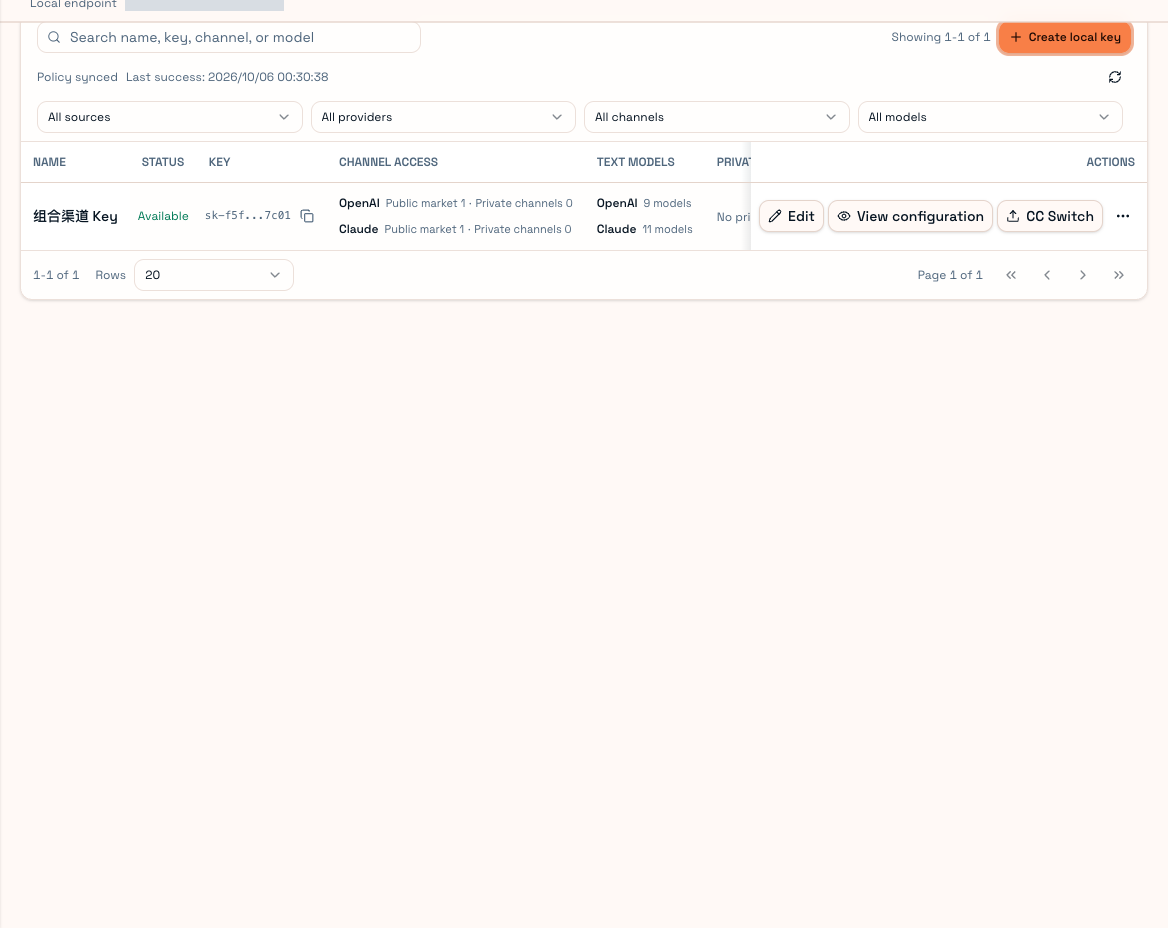
WorkBuddy can require its own software account login. A local PrimeRouter key supplies model access and cannot replace that login.
OpenCode and unknown Agents
Add a matching OpenAI/Anthropic custom provider, local address/key and available model. Keep the protocol required by an ongoing session. Responses encrypted reasoning is not ordinary text to edit or paste into another protocol.
Unknown Agents can still call compatible HTTP endpoints. Recognition-dependent OS preference and directory mapping activate only when their conditions are met.
Test a short answer, then a temporary file operation for coding. Inspect source, endpoint and receipt directory status. “Unrecognized” can mean a missing rule for that version rather than a failed request.
For incompatibility, check protocol, duplicated /v1 and old provider settings. Send support the request ID and tool/version without credentials. See Agent environment.