

Private channels: join and bind your key
Separate membership, key access and actual supply so your request uses the intended scope.
What is a private room?
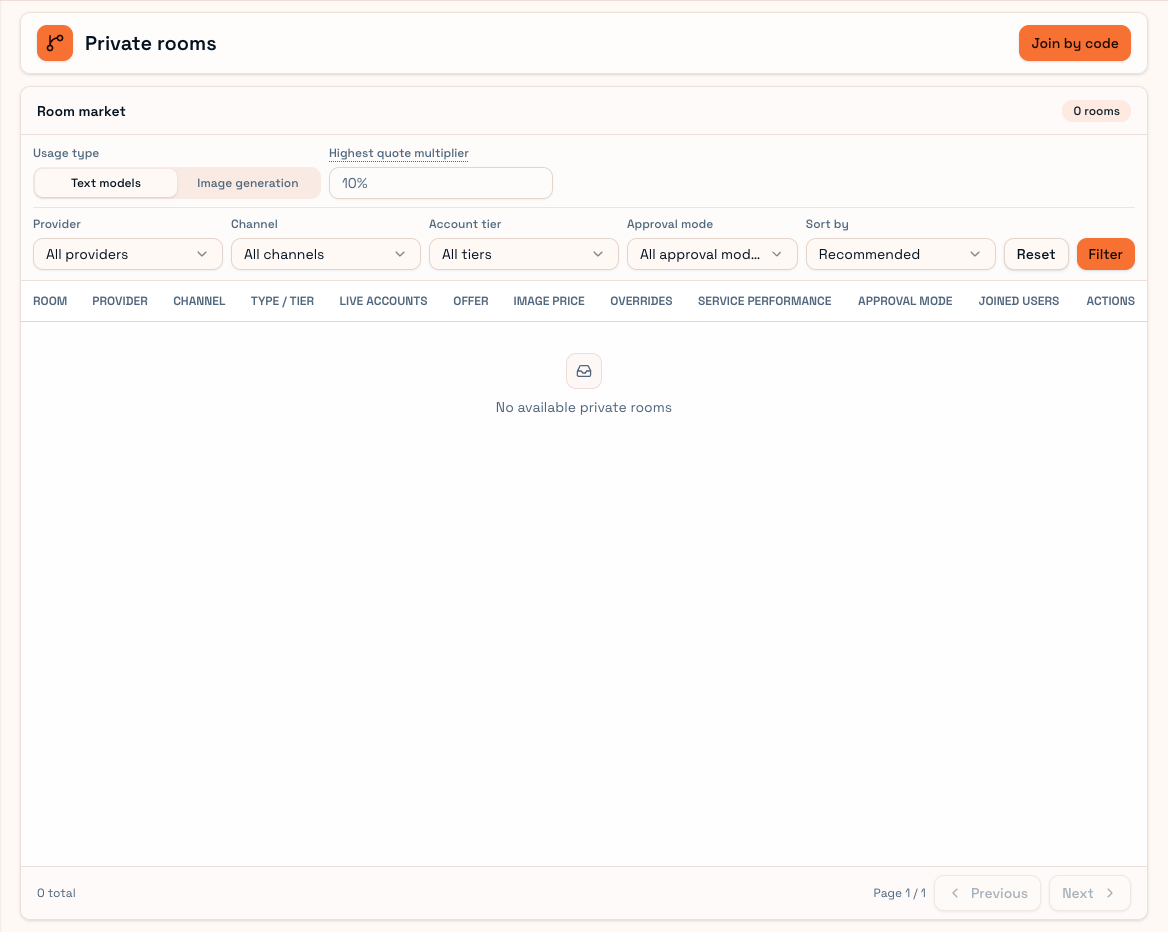
A partner exposes selected accounts, channels and prices to admitted members. The website can label this Private connections, Private spaces or private rooms.
Membership grants entry. Your User platform key must also have room access, and the local key must allow that scope before tool requests can use it.
Join workflow
- Open Private connections and browse rooms or enter a partner's space code.
- Inspect channels, plans, models, prices and membership rules.
- Join directly or submit an approval request.
- Confirm active membership in joined rooms.
- Bind the intended User API Key through the room's key-access settings.
- Synchronize User Client policy and check the local key's private scope.
Joined but not routed?
| Cause | Check |
|---|---|
| Pending approval or disabled membership | Joined rooms |
| Platform key not bound | Room key access |
| Local key excludes the room | Local key editing |
| Model/quote outside limits | Catalog, pricing policy and room prices |
| No schedulable accounts | Supply state; contact the partner |
Admission is not a guarantee of every request matching. Membership, room and supply states can change.
Pricing
Rooms can have separate pricing policies. Compare channel/plan/model details and confirm the selected quote in the finished usage record. If public supply and several rooms are allowed, current routing decides; a key name alone does not identify the final source.
Leaving, removal, room closure or key unbinding affects later requests. Historical usage and bills remain. For a 403 check membership and access; for a 503 check capacity. Usage records show the final private route.