

Costs, multipliers, cache and the wallet
Understand 100%, maximum acceptable prices, cached usage and charge status.
What does 100% mean?
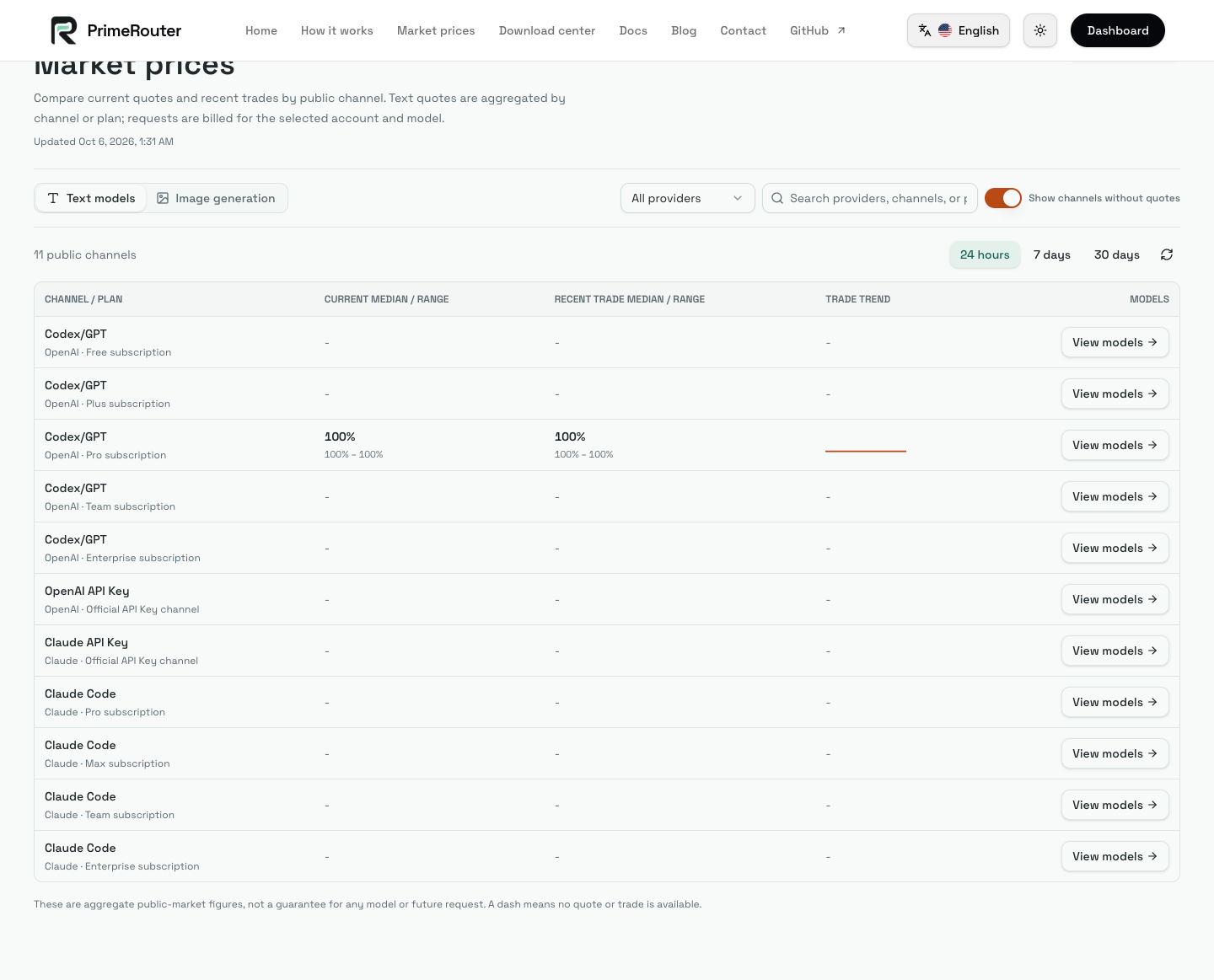
For text models, the percentage is relative to the platform's official base-price catalog. 100% means 1×, 80% means 0.8× and 150% means 1.5×. Models have different base prices, so percentage alone cannot identify the cheapest model.
Users set a maximum acceptable multiplier. Partners set a selling multiplier. Routing requires a matching quote within your limit; final charges use the selected quote and actual usage.
For example, a 120% user limit can accept a 90% quote but excludes a 130% quote. A request selecting 90% is charged at that quote, not automatically at your 120% ceiling.
Different usage categories
| Category | Cost depends on |
|---|---|
| Uncached input | Model input price and input tokens |
| Cache read | The model's cache-read price |
| Cache creation | Cache-write price and TTL category |
| Output | Output tokens and output price |
| Generated images | Selected specification, unit price, count and breakdown |
Image models can also have model-specific input charges. Inspect the recorded price breakdown for the final calculation.
Wallet and settlement
The wallet has separate ordinary and income accounts, each with its own balance, available funds and freezes. Model usage, payments and redeemed codes use the ordinary account. Request reservations are not finalized charges. Only settled supplier earnings credit the income account. To spend income, select Transfer income on the wallet page and confirm an amount. Transferred funds cannot return to income or be withdrawn. Withdrawals and partner-issued codes use available income only; pending or frozen income cannot be transferred.
A lower price ceiling narrows the eligible suppliers and does not guarantee capacity. If balance is insufficient, check available funds and your selected model policy.
Cache rate
Cache-hit rate is cache-read tokens divided by uncached input plus cache creation plus cache read. Dashboard aggregates are weighted by token counts. High cache rate does not mean zero cost: cache reads can still be billed, and a first turn or changed context can have different cache behavior.
To inspect one charge, open Usage records by request ID and check the actual model/channel, token categories, settlement state and calculation details. Forwarding or pending-settlement values may not be final.