

Updates and storage: backup, restart and migration
Understand embedded updates, source-build limits, account data and removal.
Check your distribution
Desktop, standalone Web and Docker Compose have different lifecycles. Source builds can check releases but are not overwritten by official self-update. Check-only is not necessarily a balance/network failure.
The version entry shows release and update status. Shared installations require their installation administrator to install; Partner protected installation also needs supplier access.
Automatic updates
Both User Client and Partner Client have an Automatic updates switch in the version dialog. It is on by default. Only the installation owner can change it, and the choice is saved locally across restarts. Enabling it triggers a check immediately. The existing background interval (about 30–35 minutes) then checks, downloads, verifies and installs new releases, restarting the client to install. Failed attempts are retried in the background.
When disabled, manual checks and installation remain available. Disabling does not cancel an installation already started. Keep it off when uninterrupted availability or long sessions matter. Source builds and distributions without installation support cannot enable it. Partner updates use the current installation owner's stored active credential and retain protected download authorization. This setting does not change platform minimum-version requirements.
Update sequence
The Client verifies product, version, OS/architecture, digest and release signature. Installation is embedded in the main executable and starts a temporary internal-mode process; no separate primerouter-launcher file is required.
The helper stops the old Client, switches version, waits for readiness and rolls back failed startup. Finish important long sessions first and avoid forcing shutdown during installation.
Check → download → verify → temporary installer
  → old process stops → new process ready
  → complete or roll back
Service-managed Web requires operator handling of process ownership. Compose uses the matching Client's host internal mode; containers do not receive Docker Socket to replace themselves.
Local data
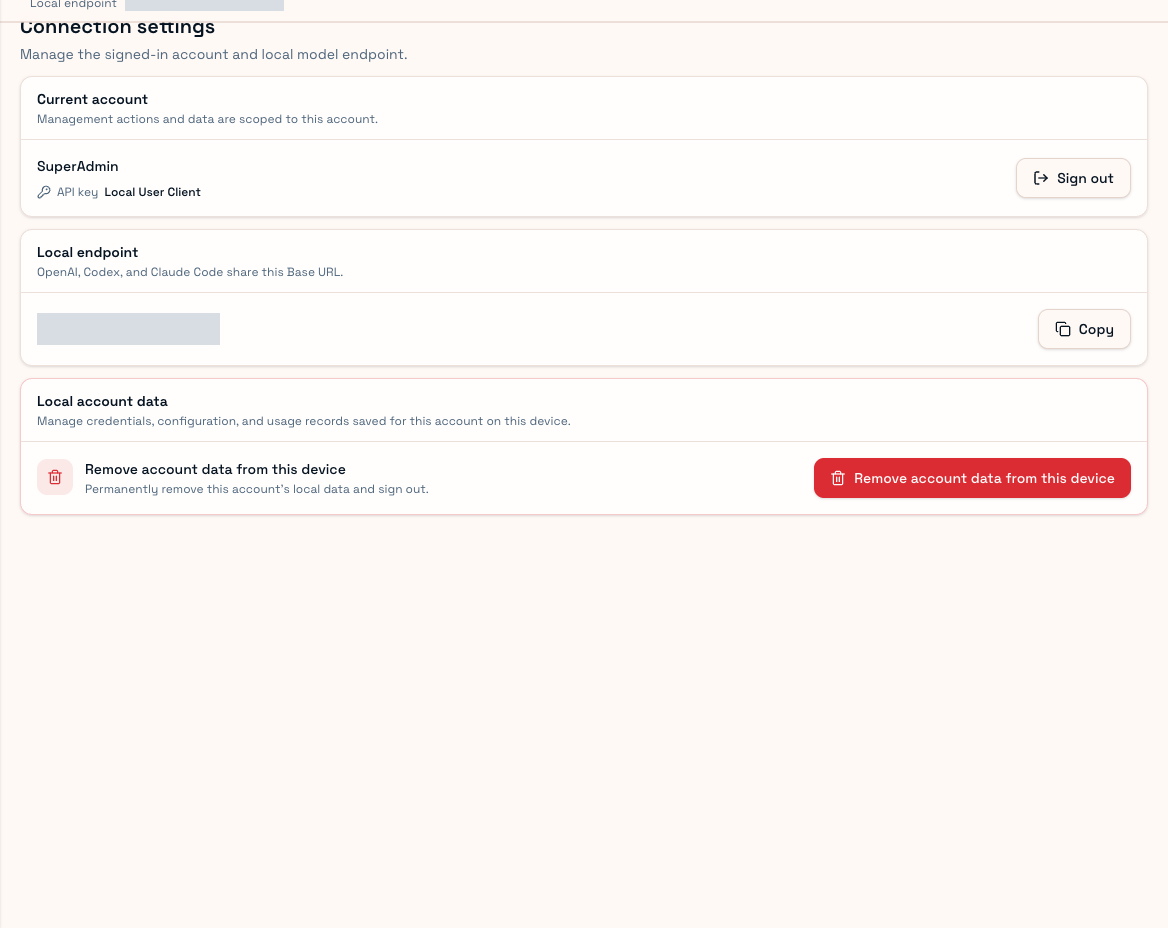
User stores account credentials, local keys, trust, diagnostics, replicated usage and session state. Partner stores supply/sync material, proxies, instance and maintenance state. Desktop uses application-directory SQLite; Web supports its configured SQLite/MySQL. Databases can contain credentials and are not harmless attachments.
Migration and removal
Normal upgrades migrate databases rather than delete them. Preserve data/logs before troubleshooting. Moving the executable alone does not migrate keys, official CLI login or installation-scoped history.
Deleting an application does not necessarily remove its data. User account-data removal clears that device's current-account data/sign-in, not the website account/key. Before Partner cleanup, inspect remote scheduling and synchronization; losing Client egress affects supply, and local deletion does not automatically disable every remote account.
Back up and read irreversible confirmations. See Troubleshooting.